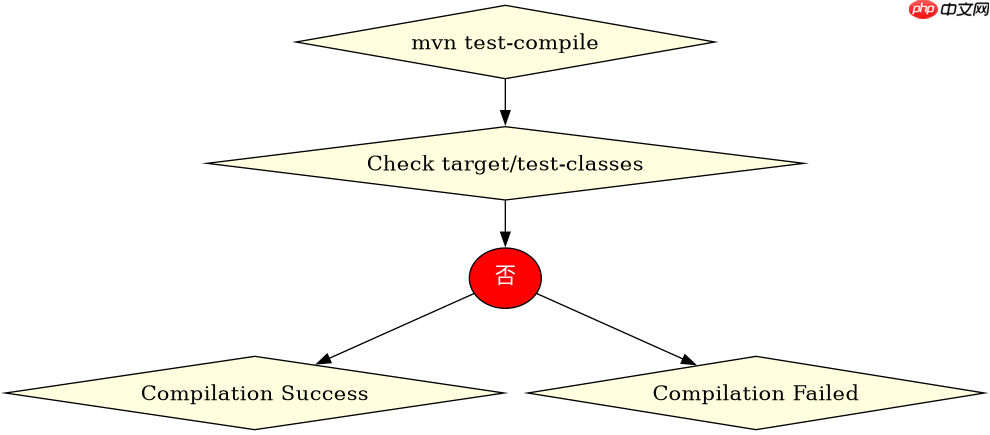
使用 mvn test-compile 命令可以只编译测试代码而不执行测试。该命令会调用 maven 的 test-compile 生命周期阶段,仅将 src/test/java 目录下的 java 源文件编译为 target/test-classes 目录中的字节码,跳过 test 阶段的实际运行。

如何验证测试类是否成功编译?
可以通过检查 target/test-classes 目录中是否存在对应的 .class 文件来验证编译结果。如果编译成功,Maven 会在构建日志中显示 Compiling X source files to .../target/test-classes,且不会进入测试执行阶段。
package com.example;

import org.junit.Test;
import static org.junit.Assert.assertEquals;

public class MathTest {
    @Test
    public void testAdd() {
        assertEquals(4, 2 + 2);
    }
}
预期结果:在终端执行 mvn test-compile 后,target/test-classes/com/example/MathTest.class 文件被创建,且控制台输出不包含任何测试用例的运行信息。
为什么有时需要单独编译测试代码?
在持续集成或大型项目中,开发者可能希望先验证测试代码本身的语法和依赖是否正确,而不必等待完整的测试执行时间。这有助于快速定位编译错误,例如缺少依赖、类型不匹配或注解使用错误,从而缩短调试周期。

package com.example;

import org.junit.Test;
import static org.junit.Assert.fail;

public class BrokenTest {
    @Test
    public void testFail() {
        fail("This test is intentionally broken");
    }
}
预期结果:执行 mvn test-compile 时,即使 BrokenTest.java 包含逻辑错误(如调用 fail()),只要语法正确,编译仍会成功,因为 test-compile 不执行运行时断言。
基于程序中某个输入、条件或结果的具体问题
当测试代码中存在未使用的导入或死代码时,test-compile 仍会成功编译,但可能产生警告。若需严格检查代码质量,可结合 -Dmaven.compiler.showWarnings=true 参数启用编译器警告,或在 CI 管道中加入静态分析工具如 Checkstyle 或 PMD。