








服务端给 sse 消息加上递增的 id。eventsource 重连时会通过 last-event-id 发送上次接收的位置,服务端读取该值并补发之后的事件。
让服务器按连接传来的位置重放
保存为 server.js。这个同源演示使用固定的三条消息,初次连接只发送前两条,随后结束响应。
const http = require('node:http');
const fs = require('node:fs');
const path = require('node:path');

const events = ['任务已建立', '任务处理中', '任务已完成'];
const page = fs.readFileSync(path.join(__dirname, 'index.html'));

http.createServer((req, res) => {
  if (req.url === '/') {
    res.writeHead(200, { 'Content-Type': 'text/html; charset=utf-8' });
    return res.end(page);
  }
  if (req.url !== '/events') {
    res.writeHead(404);
    return res.end();
  }

  const header = req.headers['last-event-id'];
  const cursor = Number(header || '0');
  if (!Number.isInteger(cursor) || cursor < 0 || cursor > events.length) {
    res.writeHead(400);
    return res.end();
  }
  if (cursor === events.length) {
    res.writeHead(204);
    return res.end();
  }

  res.writeHead(200, {
    'Content-Type': 'text/event-stream; charset=utf-8',
    'Cache-Control': 'no-cache',
  });
  res.write('retry: 500\n\n');
  const limit = header ? events.length : 2;
  for (let i = cursor; i < limit; i++) {
    res.write('id: ' + (i + 1) + '\ndata: ' + events[i] + '\n\n');
  }
  res.end();
}).listen(3000, '127.0.0.1');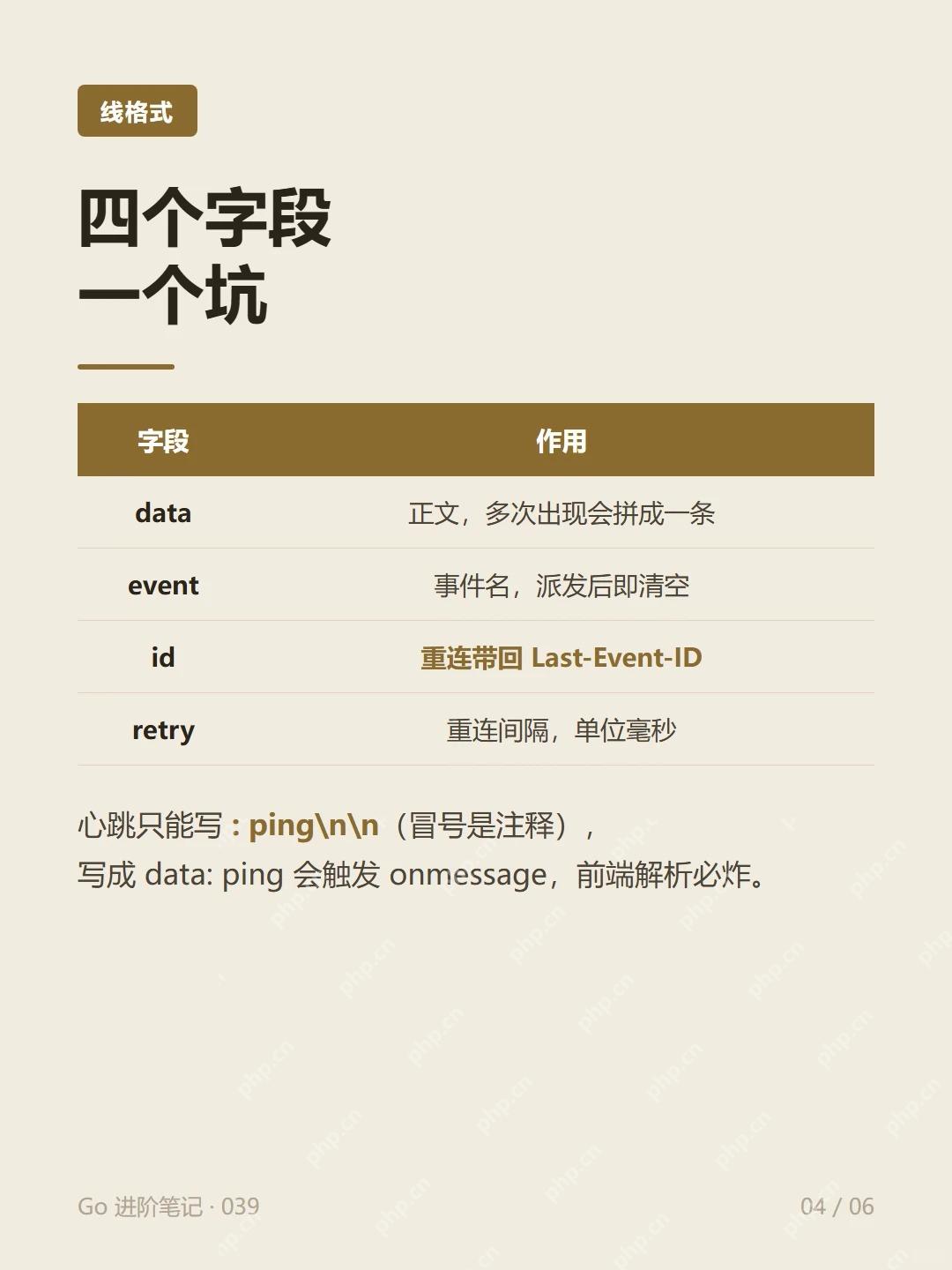
每条消息以空行分隔。正式服务可以用事件表或消息日志查询游标之后的记录,避免把所有连接的进度存在一个全局变量里。
立即学习“Java免费学习笔记(深入)”;

Build Java agent transport gateways with Atmosphere
下载
使用Atmosphere构建通过WebSocket、SSE、gRPC、WebTransport、MCP、A2A和AG-UI流传输的JVM代理网关,并带有治理钩子。
浏览器显示事件 ID 并在完成后关闭
保存为同目录的 index.html。连接异常时显示状态,让浏览器按内置机制重连。
<!doctype html>
<html lang="zh-CN">
<meta charset="utf-8">
<p id="status" role="status"></p>
<ul id="events"></ul>
<script>
  const status = document.querySelector('#status');
  const list = document.querySelector('#events');
  const stream = new EventSource('/events');
  stream.onmessage = (event) => {
    const row = document.createElement('li');
    row.textContent = event.lastEventId + ' ' + event.data;
    list.append(row);
    if (event.lastEventId === '3') {
      status.textContent = '接收完成';
      stream.close();
    }
  };
  stream.onerror = () => {
    if (stream.readyState === EventSource.CONNECTING) {
      status.textContent = '正在重连';
    }
  };
</script>
</html>
预期依次展示 ID 1、2、3,各出现一次。主动调用 close() 会终止重连。
从网络记录确认游标
运行 node server.js,打开 http://127.0.0.1:3000/。也可以用下面两条命令分别观察服务端的初次响应和续传响应。
curl -Ns http://127.0.0.1:3000/events
curl -Ns -H 'Last-Event-ID: 2' http://127.0.0.1:3000/events
第一条返回两条消息,第二条只返回 ID 3。浏览器发送的是传输游标。如果应用需要在业务处理成功后才确认位置,应另外记录业务进度与去重键。


















