








给文件选择框加上 multiple,再把选中的每个文件用 formdata.append 追加到同一个字段。用 fetch 发送 formdata,由浏览器生成 multipart 请求头和 boundary。
准备能多选的表单
保存为 index.html,通过支持上传接口的同源网站提供此页面。
<!doctype html>
<html lang="zh-CN">
<meta charset="utf-8">
<form id="upload">
  <label>附件 <input id="files" type="file" multiple required></label>
  <button type="submit">上传</button>
</form>
<p id="result" role="status"></p>
<script src="app.js" defer></script>
</html>
示例约定服务端的 POST /upload 接收多个名为 files 的字段。已有接口若使用 files[],前端应统一改用该名称。
立即学习“Java免费学习笔记(深入)”;

Build Java agent transport gateways with Atmosphere
下载
使用Atmosphere构建通过WebSocket、SSE、gRPC、WebTransport、MCP、A2A和AG-UI流传输的JVM代理网关,并带有治理钩子。
使用相同字段名组装请求
将下面内容保存为 app.js。每次提交都重新构建 FormData,从而避免把旧文件带进下一次请求。
const form = document.querySelector('#upload');
const input = document.querySelector('#files');
const output = document.querySelector('#result');
const button = form.querySelector('button');

form.addEventListener('submit', async (event) => {
  event.preventDefault();
  if (!input.files.length || button.disabled) return;
  const body = new FormData();
  for (const file of input.files) {
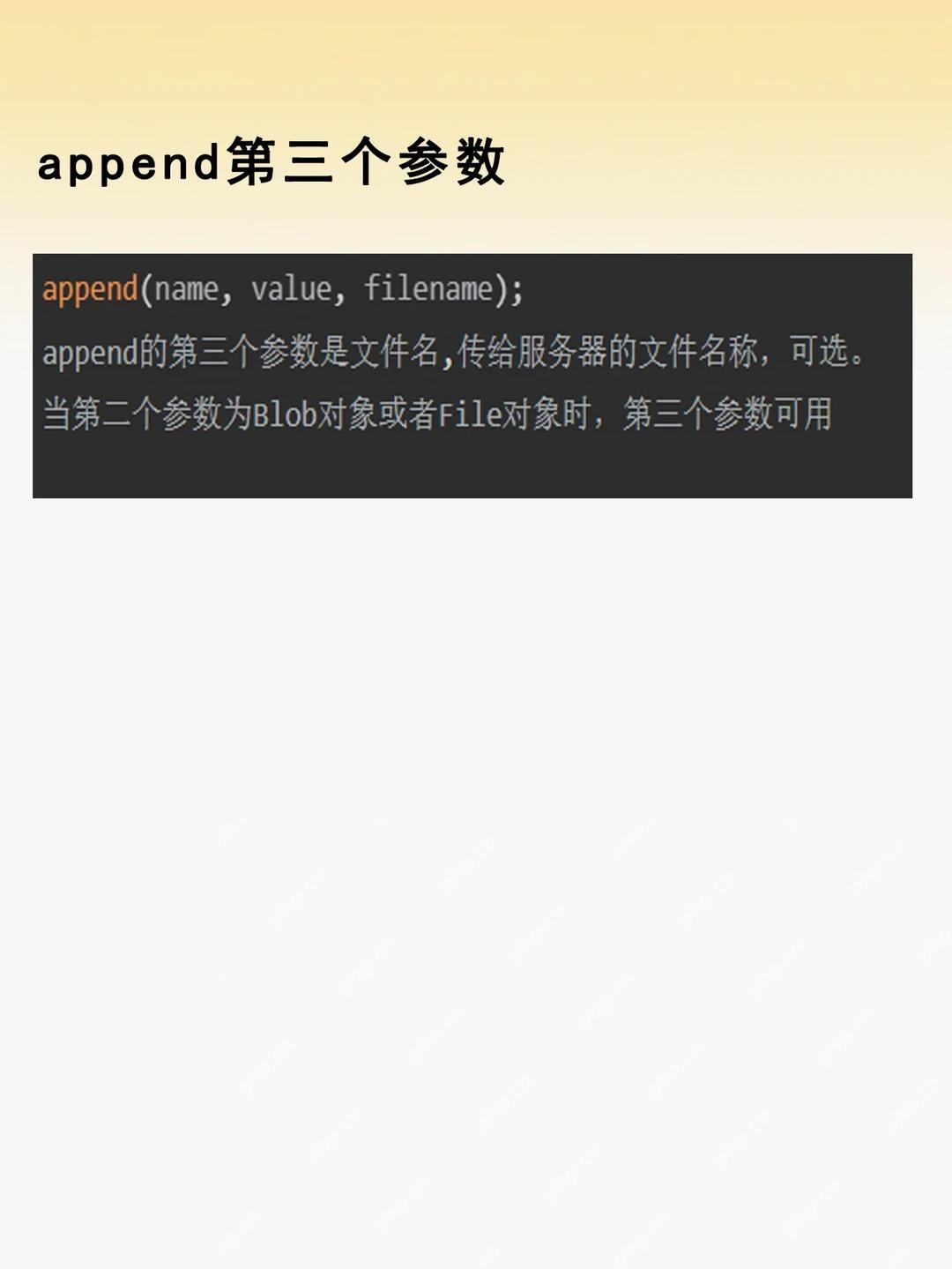
    body.append('files', file, file.name);
  }
  button.disabled = true;
  try {
    const response = await fetch('/upload', { method: 'POST', body });
    if (!response.ok) throw new Error('HTTP ' + response.status);
    output.textContent = '已提交 ' + body.getAll('files').length + ' 个文件';
  } catch (error) {
    output.textContent = '上传失败 ' + error.message;
  } finally {
    button.disabled = false;
  }
});
一次提交只产生一个 POST 请求。服务端仍需校验文件大小、数量和类型。
核对同名字段保留了多个文件
可在浏览器控制台运行下面的测试,无需实际上传。
const sample = new FormData();
sample.append('files', new File(['a'], 'a.txt'));
sample.append('files', new File(['b'], 'b.txt'));
const names = sample.getAll('files').map(({ name }) => name);
console.assert(names.join(',') === 'a.txt,b.txt', names);
预期没有断言失败。联调时可在浏览器网络面板查看 POST 请求的表单字段和响应状态。


















