








给 json.stringify 的第二个参数传字段名数组,可以把对象按指定字段导出。嵌套对象也会应用同一个字段清单,需要各层使用不同规则时,先构造导出对象。
给平面对象列出导出字段
在浏览器控制台或 Node.js 使用下面的例子。
const row = { id: 101, name: 'Lin', score: 92, draftNote: '待复核' };
const json = JSON.stringify(row, ['name', 'score']);
console.assert(json === '{"name":"Lin","score":92}');
console.log(json);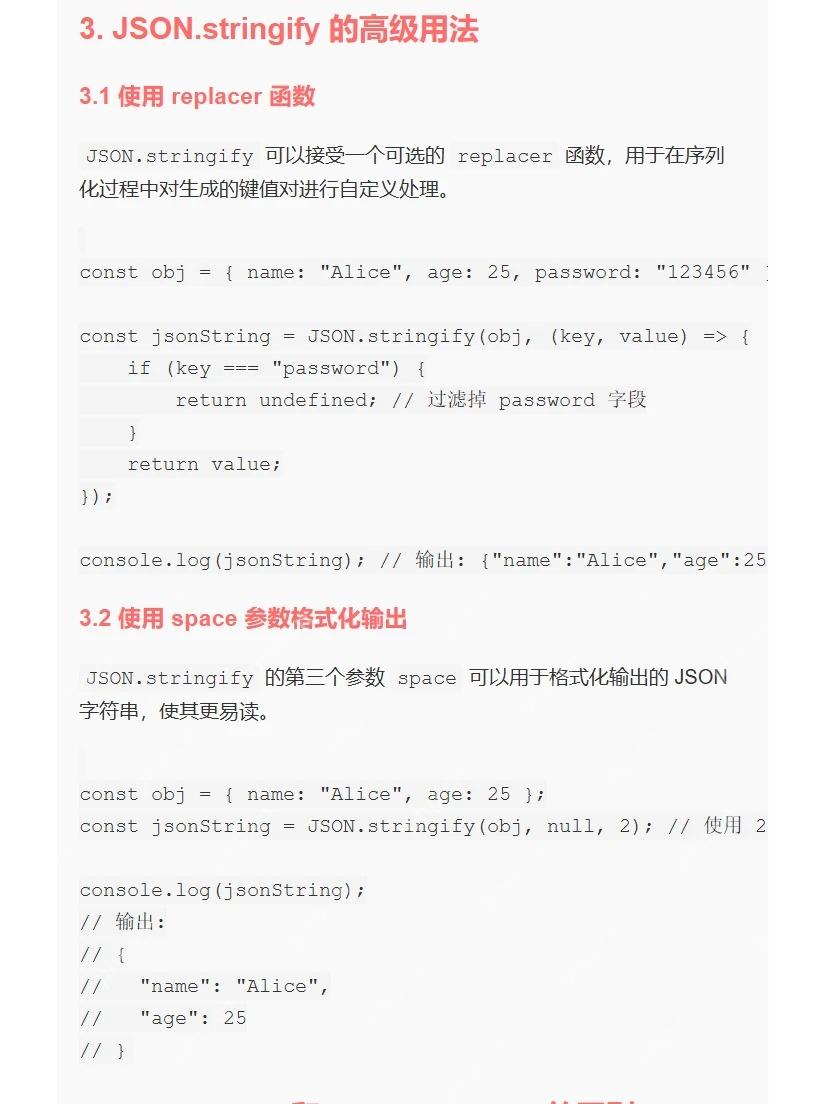
只有 name 和 score 会进入输出。允许列表也能让以后新增的内部字段默认排除。
立即学习“Java免费学习笔记(深入)”;

Build Java agent transport gateways with Atmosphere
下载
使用Atmosphere构建通过WebSocket、SSE、gRPC、WebTransport、MCP、A2A和AG-UI流传输的JVM代理网关,并带有治理钩子。
验证嵌套对象也会筛字段
键名数组会在每层对象生效。外层保留 profile 后,还要允许其内部字段。
const person = { name: 'Lin', profile: { city: '长沙', note: '草稿' } };
const json = JSON.stringify(person, ['profile', 'city']);
console.assert(JSON.parse(json).profile.city === '长沙');
console.assert(!('note' in JSON.parse(json).profile));
结果只有 profile.city。若只写 profile,结果是空的内层对象。
各层规则不同时先构造新对象
把对外结构明确写在代码里,便于核对。
const input = { id: 101, profile: { name: 'Lin', draftNote: '草稿' } };
const payload = {
  id: input.id,
  display: { name: input.profile.name }
};
const body = JSON.stringify(payload);
console.assert(body === '{"id":101,"display":{"name":"Lin"}}');
服务端的访问权限校验仍应在输出数据前执行。这里只验证 JSON 字段选择。


















