使用 user timing api 分析 javascript 运行时性能,核心做法是调用 performance.mark() 记录关键节点,用 performance.measure() 计算区间耗时,最后通过 performance.getentriesbytype('measure') 获取数据。开发者只需在代码逻辑的前后插入标记点,即可量化特定函数的执行时间或异步操作的等待时长,从而定位性能瓶颈。

如何标记和测量同步代码块的执行时间
对于同步执行的函数或代码块,直接在入口和出口处添加标记并生成度量数据是最直接的方法。通过在函数开始处调用 performance.mark('start-key'),在结束处调用 performance.mark('end-key'),随后使用 performance.measure('duration-name', 'start-key', 'end-key') 创建一条包含精确毫秒数的性能条目。这种方法能准确反映代码在单线程主线程上的实际占用时间,排除异步回调队列的干扰。
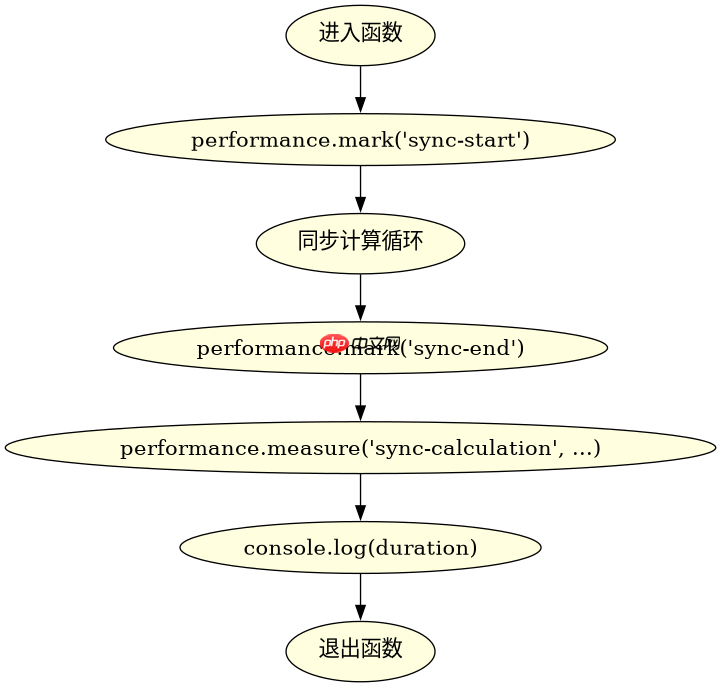
function analyzeSyncCode() {
  performance.mark('sync-start');

  // 模拟一段耗时的同步计算
  let sum = 0;
  for (let i = 0; i < 1000000; i++) {
    sum += i;
  }

  performance.mark('sync-end');
  performance.measure('sync-calculation', 'sync-start', 'sync-end');

  const measures = performance.getEntriesByType('measure');
  console.log(measures[0].duration); // 输出执行耗时(毫秒)
}

analyzeSyncCode();
如何测量异步操作与宏任务之间的间隔
当需要分析异步操作(如 Promise 解析、定时器触发)与后续代码执行之间的时间差时,同样利用标记机制。在异步任务发起前设置起始标记,在异步回调或 Promise.then 中设置结束标记,然后进行度量。这种方式可以揭示事件循环中任务调度的延迟,帮助判断异步流程是否造成了不必要的阻塞或等待。

立即学习“Java免费学习笔记(深入)”;
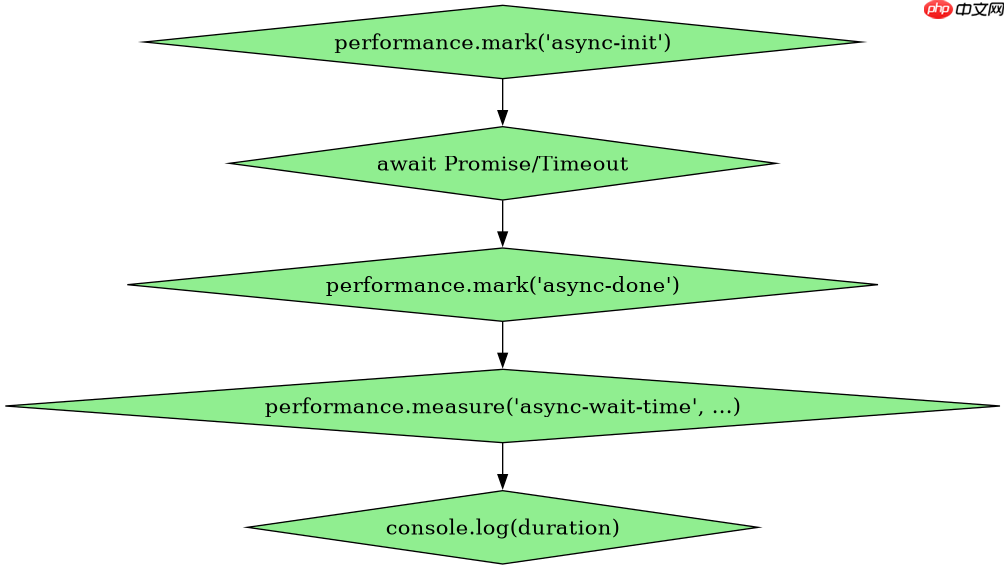
async function analyzeAsyncDelay() {
  performance.mark('async-init');

  await new Promise(resolve => setTimeout(resolve, 100));

  performance.mark('async-done');
  performance.measure('async-wait-time', 'async-init', 'async-done');

  const measures = performance.getEntriesByType('measure');
  console.log(measures[0].duration); // 输出等待时间(约100ms)
}

analyzeAsyncDelay();
getEntriesByType返回的数据结构包含哪些关键字段
调用 performance.getEntriesByType('measure') 返回的是一个 PerformanceMeasure 对象数组,每个对象包含 name、startTime、duration 和 entryType 等字段。其中 duration 是计算出的时间差,startTime 是起始标记的时间戳,entryType 固定为 "measure"。这些字段可以直接用于构建性能报告或可视化图表,无需额外计算。