








使用 .json() 方法即可将 fetch 请求返回的原始响应体自动解析为 javascript 对象。调用该方法后会返回一个 promise,通过 .then() 或 async/await 获取转换后的数据,若接口返回非 json 格式则需改用 .text() 或 .blob()。

Fetch 请求中如何指定 HTTP 方法与请求头
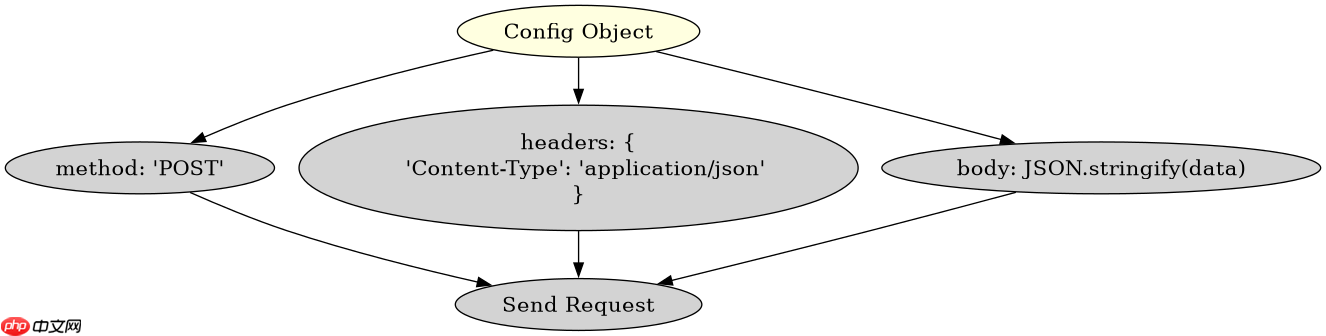
在发起请求时,需在第二个参数配置对象中设置 method 和 headers 属性。例如发送 POST 请求并携带 JSON 数据时,必须手动设置 Content-Type: application/json 头部,否则服务器可能拒绝解析请求体。
const url = 'https://api.example.com/data';

fetch(url, {
  method: 'POST',
  headers: {
    'Content-Type': 'application/json'
  },
  body: JSON.stringify({ key: 'value' })
})
.then(response => response.json())
.then(data => console.log(data))
.catch(error => console.error('Error:', error));
如何处理 Fetch 请求中的网络错误与 HTTP 状态码
Fetach 仅在网络故障(如断网)时触发 catch,而 HTTP 4xx 或 5xx 状态码仍会进入 then 分支。因此必须在解析前检查 response.ok 属性,若为 false 则手动抛出异常以进入错误处理流程。

立即学习“Java免费学习笔记(深入)”;

fetch(url)
  .then(response => {
    if (!response.ok) {
      throw new Error(`HTTP error! status: ${response.status}`);
    }
    return response.json();
  })
  .then(data => console.log(data))
  .catch(error => console.error('Fetch failed:', error));
当接口返回空响应体时 json() 方法的行为是什么
如果服务器返回空响应体(如 204 No Content),调用 .json() 会抛出 SyntaxError,因为无法解析空字符串为有效 JSON。此时应先判断响应体是否为空,或捕获该特定错误进行兼容处理。

















