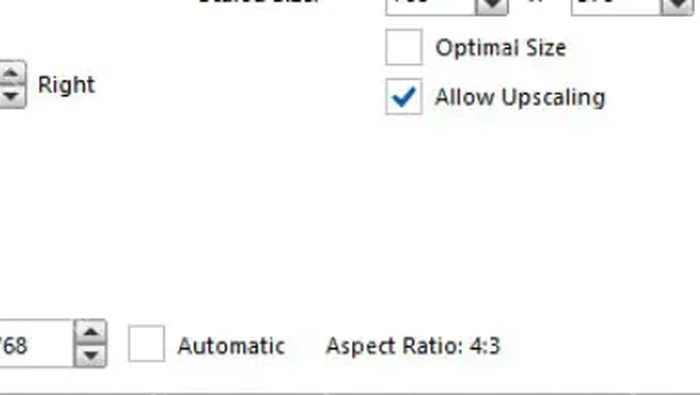
handbrake 裁剪视频画面要在 dimensions 或 picture 页找到 cropping。automatic 会自动去黑边,custom 可以手动设置 top、bottom、left、right,改完后要看最终尺寸是否符合预期。
找到 Cropping 区域
进入 Dimensions 或 Picture 页后,右侧通常能看到 Cropping。默认 Automatic 适合去黑边,如果自动判断不准,再切到 Custom。
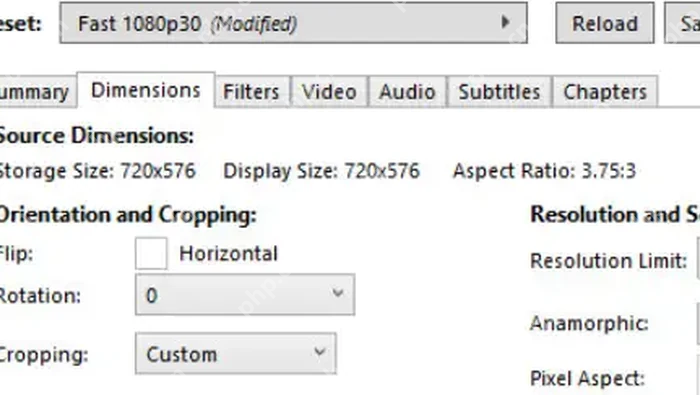
填写上下左右裁剪值
Custom 模式下分别输入 Top、Bottom、Left、Right 数值。每次不要改太大,先小幅调整,再观察预览和最终尺寸。
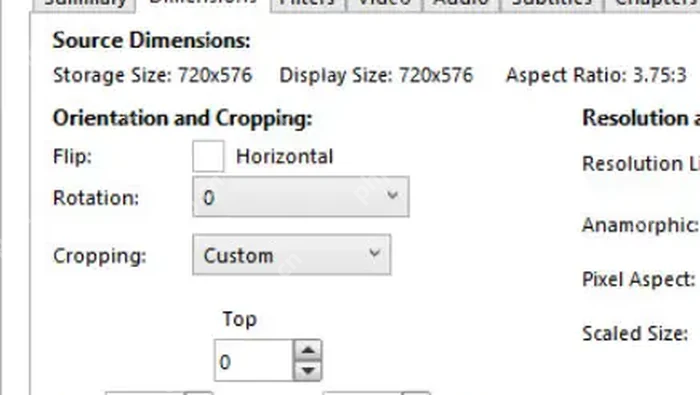
用最终尺寸核对效果
裁剪后查看 Final Dimensions。如果比例突然异常,说明裁剪值可能过大或方向填反了,先恢复为 0 再重新调。