


Nano Banana生成菜谱图解的关键是将“怎么做”转化为清晰描述:一明确步骤式或信息式图解类型;二用完整句子写提示词,含主体动作、步骤逻辑与视觉控制;三保持食材与成品风格一致;四微调间距、标签和尺寸。
☞☞☞AI 智能聊天, 问答助手, AI 智能搜索, 多模态理解力帮你轻松跨越从0到1的创作门槛☜☜☜
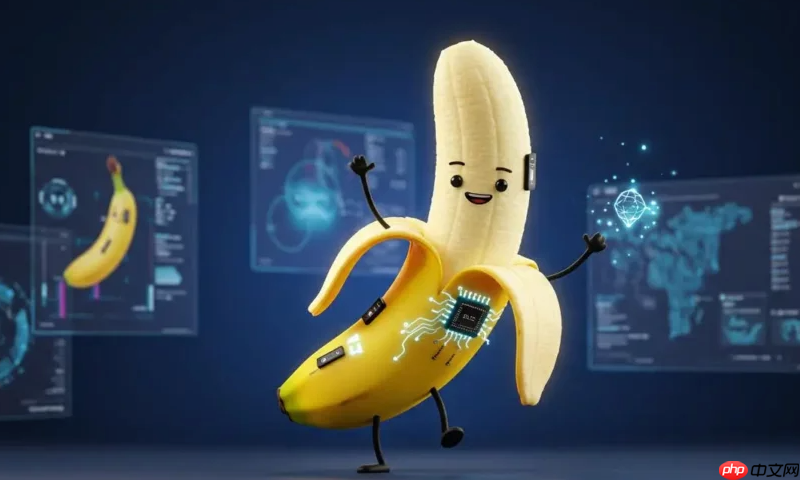
不用折腾复杂提示词,也不用反复调试参数,Nano Banana 生成菜谱图解的关键,在于把“怎么做”变成“怎么描述”。它不靠堆关键词,而是理解你想要的步骤逻辑和视觉节奏。
一、明确图解类型:步骤式还是信息式?
菜谱图解分两类,选错类型,再好的模型也出不来效果:
- 步骤式图解:适合教人操作,比如“切葱花→热锅冷油→下蛋液→翻炒”,强调动作顺序和时间推进,常用俯拍+分步平铺(knolling)或带箭头连接线的流程图风格;
- 信息式图解:适合展示成品与原料关系,比如“番茄炒蛋=番茄+鸡蛋+盐+油”,强调成分构成与最终呈现,常用顶部原料排布+底部成菜特写+简洁标签的 infographic 布局。
Nano Banana 对这两类都有优化支持,但必须在提示词里点明——比如加 “step-by-step recipe infographic, top-down perspective” 或 “ingredient-to-dish mapping diagram, minimalist style”。
二、写提示词:用句子代替标签
别写“tomato egg stir fry food photo”,Nano Banana 更吃“一段能讲清画面的故事”。推荐结构:
- 主体动作:如 “A home-cooked tomato and egg stir-fry being plated on a ceramic bowl”;
- 步骤逻辑:如 “showing three clear preparation steps in sequence: dicing tomatoes, whisking eggs, and final stir-frying in a wok”;
- 视觉控制:如 “flat lay composition, white background, soft natural lighting, food textures highly detailed (crispy egg edges, juicy tomato chunks)”。
一句话整合示例:
“A clean flat-lay infographic showing how to make tomato and egg stir-fry: left to right — diced tomatoes and beaten eggs on separate small plates, then a wok with sizzling mixture, finally the finished dish served with steamed rice. All items on white background, labeled with minimal sans-serif text, soft daylight lighting.”
三、保持食材与成品一致性
很多AI图解的问题是:原料图看着像超市拍照,成菜图却像餐厅摆盘,风格割裂。Nano Banana 支持“输入食材图→自动延展为完整菜谱图”,实操更稳:
- 先拍一张你手边的番茄、鸡蛋、小葱(自然光、纯色背景);
- 上传到 Nano Banana 工具,用提示词 “Turn these ingredients into a cohesive step-by-step cooking infographic, keep same lighting and texture style throughout”;
- 系统会自动提取食材特征,并复用到每一步骤中,连番茄的表皮纹路、鸡蛋液的反光质感都保持统一。
这种“以图生图+语义延展”的方式,比纯文字生成更可信、更适合家常菜账号长期使用。
四、快速出图后的小调整技巧
生成不是终点,微调才是专业感来源:
- 如果步骤间距太挤,加 “increase spacing between steps, add subtle dashed arrows” 再跑一次;
- 如果文字标签模糊,补一句 “clear bold sans-serif labels, black font on white background, no shadow”;
- 想适配公众号封面?直接指定尺寸:“1080x720 pixels, vertical layout, optimized for WeChat official account header”。
多数情况,1–2轮微调就能得到可直接发布的图解,全程5分钟内完成。













