php 8.6在受控cli进程中可用ffi调用libz的compressbound和compress2,先按上界分配输出,再检查返回码和真实压缩长度。下面限定linux 64位lp64平台及固定libz.so.1路径;ffi绕过php通常的内存安全边界,不适合让http请求决定库名、c声明或指针长度。
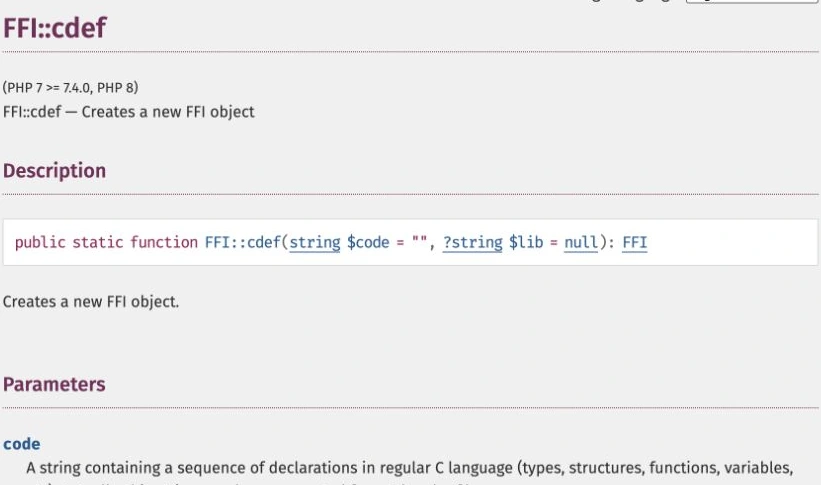
PHP手册中的FFI::cdef
按固定C声明分配和传递缓冲区
<?php
if (PHP_INT_SIZE!==8) throw new RuntimeException('本例要求64位PHP');
$ffi=FFI::cdef('unsigned long compressBound(unsigned long sourceLen);
 int compress2(unsigned char *dest, unsigned long *destLen,
 const unsigned char *source, unsigned long sourceLen, int level);','libz.so.1');
if (FFI::sizeof($ffi->new('unsigned long'))!==8)
    throw new RuntimeException('本例要求LP64 unsigned long');
$input=str_repeat('example-data-',1000);
$n=strlen($input);
if ($n<1 || $n>1024*1024) throw new InvalidArgumentException('输入长度越界');
$bound=$ffi->compressBound($n);
if ($bound<1 || $bound>2*1024*1024) throw new RuntimeException('输出上界异常');
$src=$ffi->new('unsigned char['.$n.']');
$dst=$ffi->new('unsigned char['.$bound.']');
$len=$ffi->new('unsigned long');$len->cdata=$bound;
FFI::memcpy($src,$input,$n);
$result=$ffi->compress2($dst,FFI::addr($len),$src,$n,6);
if ($result!==0 || $len->cdata<1 || $len->cdata>$bound)
    throw new RuntimeException('libz压缩失败:'.$result);
$compressed=FFI::string($dst,(int)$len->cdata);
echo json_encode(['input_bytes'=>$n,'compressed_bytes'=>strlen($compressed)],
    JSON_THROW_ON_ERROR),"\n";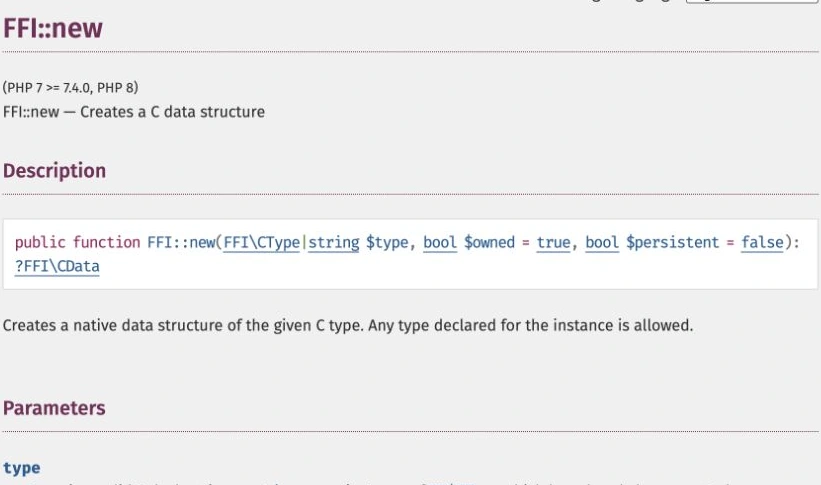
PHP手册中的FFI::new
运行入口和声明必须与实际库一致
先确认FFI扩展和系统libz包存在,再以php -d ffi.enable=1 script.php在隔离CLI环境运行。FFI::cdef不处理#include和#define,所需类型与函数声明必须明确给出;Windows及其他ABI下unsigned long长度不同,不能直接照搬此例。通过实例调用new,避免使用已弃用的静态分配方式。

Build MCP servers and clients for PHP applications with the official PHP SDK
下载
使用官方Model Context Protocol PHP SDK将PHP应用程序功能暴露为MCP工具、资源和提示,用于代理工作流。
返回值和长度共同决定能否读取
compressBound给出足够的压缩输出上界,compress2通过长度指针返回实际写入字节数。只有返回Z_OK即0且长度在已分配范围内,才用FFI::string读取。输出是zlib格式二进制数据,不是文本或gzip文件;需要交给其他组件时核对格式与解压上限。示例未宣称完成性能测试,实际服务仍需隔离、超时和内存限制。