Nginx报502错误时,若日志出现“connect() failed (111: Connection refused)”或“upstream prematurely closed connection”,基本表明Tomcat进程已终止或未监听对应端口,需立即检查进程、端口、系统OOM日志及Tomcat自身日志。
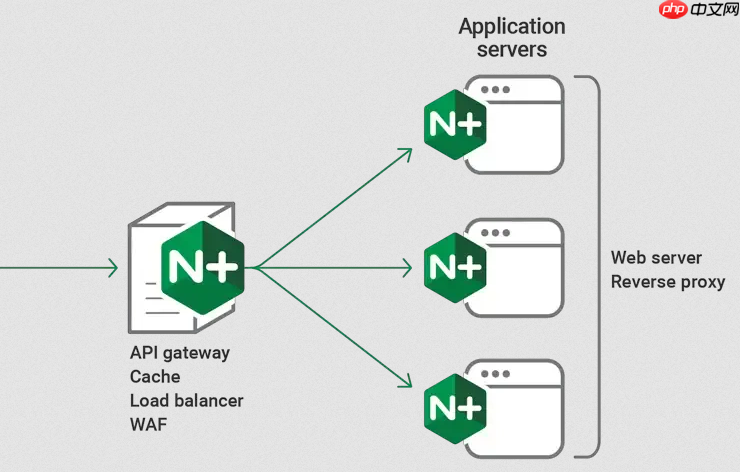
直接看错误日志里带 upstream 和 502 的行,重点锁定 “connect() failed (111: Connection refused)” 或 “upstream prematurely closed connection”,这两类报错基本说明 Tomcat 进程已死或根本没在监听。
先确认错误日志路径和内容是否有效
宝塔用户默认日志在 /www/wwwlogs/你的域名.error.log;标准安装多为 /var/log/nginx/error.log。不确定时运行:
-
nginx -t查配置文件位置 -
grep error_log /etc/nginx/nginx.conf确认真实路径
确保日志级别不是 crit 或更高——太低会漏掉关键连接细节。临时调成 error_log ... warn; 或 error_log ... notice; 更利于抓异常上下文。

识别 Tomcat 宕机的典型错误模式
以下错误几乎都指向 Tomcat 进程不存在或端口未监听:
-
connect() failed (111: Connection refused) while connecting to upstream→ Tomcat 没启动,或监听地址/端口配错(比如 Nginx 转发到127.0.0.1:8080,但 Tomcat 实际监听localhost:8080或只绑定了内网 IP) -
no live upstreams while connecting to upstream→ upstream 组里所有 server 都被标记为 down,常因健康检查失败后持续不恢复 - 连续出现
upstream prematurely closed connection while reading response header from upstream,且 Tomcat 日志无对应请求记录 → 进程可能刚启动就崩溃,或收到请求瞬间退出
结合系统命令快速验证 Tomcat 状态
光看 Nginx 日志只能知道“连不上”,不能确认“为什么连不上”。必须立刻联动检查:
- 查进程:
ps -ef | grep tomcat—— 若无 java 进程,Tomcat 已挂 - 查端口:
netstat -lntp | grep :8080(或你实际用的端口)—— 若无 LISTEN,说明没监听或被其他程序占了 - 查系统级杀进程记录:
dmesg | grep -i "killed process" | grep -i java—— 看是否被 OOM Killer 强制终止 - 查 Tomcat 自身日志:
tail -f $CATALINA_HOME/logs/catalina.out—— 启动失败、ClassNotFoundException、OutOfMemoryError 都会直接打在这里
排除中间干扰因素
有时 Tomcat 是好的,但 Nginx 就是连不上。注意这些隐性问题:
- 防火墙:CentOS 的 firewalld 或 Ubuntu 的 ufw 是否放行了 8080 端口?本地测试用
curl -v http://127.0.0.1:8080绕过 Nginx 直连验证 - SELinux:若启用,可能阻止 Nginx 进程 connect 到非标准端口,临时设为 permissive 测试:
setenforce 0 - 用户权限:Nginx worker 进程运行用户(如 www-data 或 nginx)能否访问 Tomcat 所在目录?尤其当用 Unix socket 或特殊文件路径时
- DNS 解析:如果 upstream 配的是域名而非 IP,
nslookup your-tomcat-domain确保能正常解析