


源码级裁剪Nginx最直接有效,核心是在configure阶段显式禁用非必要模块,可减体积30%~50%,提升启动速度、缩小攻击面,适用于嵌入式、容器或纯静态服务场景。
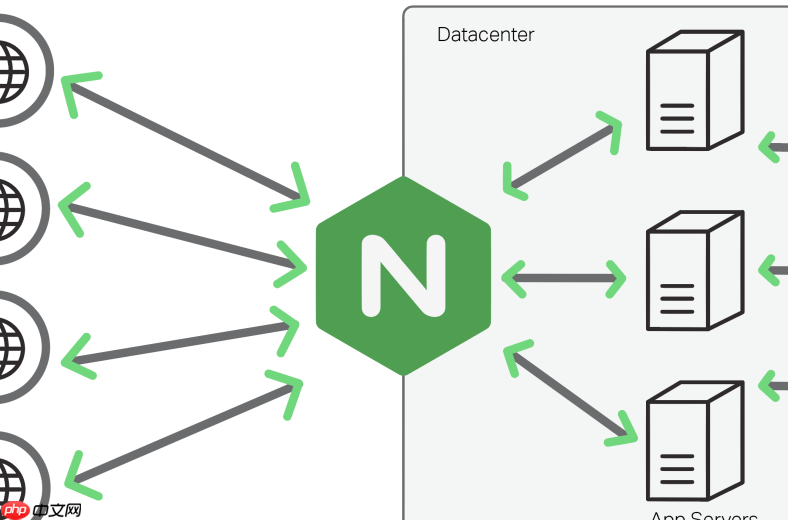
源码级裁剪 Nginx 是最直接有效的精简手段,核心在于 显式禁用不需要的模块,而非仅靠不启用——因为很多模块默认就参与编译。裁剪后二进制体积可减少 30%~50%,启动更快、攻击面更小,特别适合嵌入式环境、容器镜像或仅需静态文件服务的轻量场景。
明确裁剪目标:先决定保留什么
精简不是盲目删减,而是按需保留。常见精简策略有:
-
纯静态服务型:只留基础 HTTP 框架 + 静态文件处理(
http_core、http_static),关闭所有代理、重写、认证、缓存相关模块; -
HTTPS 终端型:在静态基础上保留
http_ssl_module和http_v2_module,其他如http_rewrite_module、http_upstream_module全部禁用; -
状态监控型:仅需
http_stub_status_module提供基本指标,其余功能模块一律剔除。
configure 阶段精准禁用模块
进入解压后的源码目录(如 nginx-1.28.2/),运行 ./configure 时用 --without- 显式关闭模块。关键禁用项示例:
-
HTTP 功能模块:
--without-http_access_module --without-http_auth_basic_module --without-http_autoindex_module --without-http_geo_module --without-http_map_module --without-http_rewrite_module --without-http_proxy_module --without-http_fastcgi_module --without-http_uwsgi_module --without-http_scgi_module; -
非 HTTP 协议模块:
--without-mail_pop3_module --without-mail_imap_module --without-mail_smtp_module --without-stream_module(若完全不用流代理或邮件代理); -
辅助与调试模块:
--without-http_gzip_module --without-http_gzip_static_module --without-http_ssi_module --without-debug(后者可剥离调试符号,显著减小体积)。
注意:禁用 http_gzip_module 后,http_gzip_static_module 会自动失效,无需重复指定;所有 --without- 参数必须在 ./configure 命令中一次性写全,中途补加需重新执行 configure。

验证裁剪效果与最小依赖保障
执行 ./configure ... 后,终端输出应显示:
-
checking for PCRE library ... found(正则支持,http_rewrite等依赖它,若已禁用 rewrite,可跳过安装pcre-devel); -
checking for ZLIB library ... found(gzip 压缩依赖,若禁用 gzip 相关模块,zlib 可不装); -
configuring additional modules下无报错,且最终提示Configuration summary中对应模块列为disabled。
编译前建议用 make clean 清理旧构建痕迹;编译后可用 /usr/local/nginx/sbin/nginx -V 查看实际启用模块列表,确认裁剪生效。
进阶优化:链接与符号精简
在 make 后、make install 前,可进一步减小体积:
- 添加编译标志:
make CFLAGS="-O2 -s",其中-s剥离符号表; - 或安装后手动 strip:
strip /usr/local/nginx/sbin/nginx; - 避免启用
--with-cc-opt="-g"或--with-debug,它们会引入大量调试信息。
完成安装后,ls -lh /usr/local/nginx/sbin/nginx 可直观对比裁剪前后大小——典型精简版可压至 600KB~900KB,远低于默认编译的 2MB+。














