




源码安装的Nginx需手动创建systemd服务文件实现开机自启:确认安装路径(如/usr/local/nginx)、编写/etc/systemd/system/nginx.service(含Unit、Service、Install三段,Type=forking并匹配PIDFile)、执行daemon-reload、enable、start,并验证status。
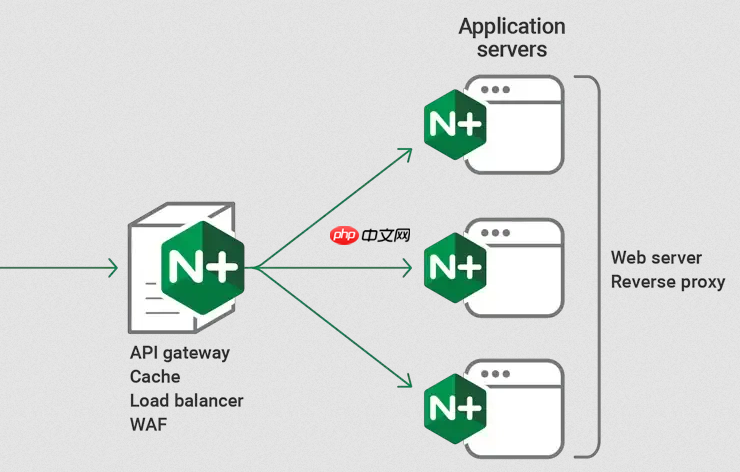
源码安装的 Nginx 默认不会注册为系统服务,需要手动创建 systemd 服务文件才能实现开机自启和统一管理。关键在于路径准确、启动类型匹配、依赖关系明确。
确认 Nginx 实际安装路径
源码安装通常指定 --prefix,比如 /usr/local/nginx。务必核实以下路径是否真实存在:
-
主程序路径:如
/usr/local/nginx/sbin/nginx -
配置文件路径:如
/usr/local/nginx/conf/nginx.conf -
PID 文件路径:需与 nginx.conf 中
pid指令一致(默认在/usr/local/nginx/logs/nginx.pid或/var/run/nginx.pid)
编写 nginx.service 服务单元文件
在 /usr/lib/systemd/system/(或 /etc/systemd/system/)下新建 nginx.service,内容如下(请按实际路径替换):
[Unit]
Description=The NGINX HTTP and reverse proxy server
After=network.target

[Service]
Type=forking
PIDFile=/usr/local/nginx/logs/nginx.pid
ExecStartPre=/usr/local/nginx/sbin/nginx -t -c /usr/local/nginx/conf/nginx.conf
ExecStart=/usr/local/nginx/sbin/nginx -c /usr/local/nginx/conf/nginx.conf
ExecReload=/usr/local/nginx/sbin/nginx -s reload
ExecStop=/bin/kill -s QUIT $MAINPID
PrivateTmp=true

[Install]
WantedBy=multi-user.target
注意:Type=forking 适用于传统双进程模式(master + worker),这是源码编译版的默认行为;若你改用 Type=simple,需确保 nginx 不 daemonize(即加 -g "daemon off;"),否则会启动失败。

启用并验证服务
保存后执行以下命令:
- 重载 systemd 配置:
sudo systemctl daemon-reload - 启用开机自启:
sudo systemctl enable nginx.service - 立即启动服务:
sudo systemctl start nginx - 检查状态:
sudo systemctl status nginx—— 应显示 active (running),且无红色报错
如果提示 “Failed to start nginx.service: Unit nginx.service not found”,说明文件名拼写错误或未保存到正确目录;若报 “nginx: [emerg] open() ‘/var/run/nginx.pid’ failed”,说明 PID 路径与 service 文件中 PIDFile= 不一致,需同步修改。
常见问题处理
源码安装易出错的几个点:
-
权限不足:确保 nginx 主程序(
nginx)有可执行权限(chmod +x /usr/local/nginx/sbin/nginx) -
用户权限冲突:若 nginx.conf 中设置了
user nginx;,需确认系统存在该用户(id nginx),否则启动会失败 -
端口被占:80 或 443 端口可能被其他进程占用,用
sudo lsof -i :80查看并释放 -
配置语法错误:
ExecStartPre行会先校验配置,若失败则服务无法启动,可用sudo /usr/local/nginx/sbin/nginx -t -c /path/to/nginx.conf单独测试










