


在Nginx的location块中配置CORS头是最常用且安全的做法,可实现路径级精准控制(如仅/api/开放跨域),需设置Access-Control-Allow-Origin(非*)、Methods、Headers等,并用if拦截OPTIONS预检返回204;带credentials时须指定具体源并添加Access-Control-Allow-Credentials true。
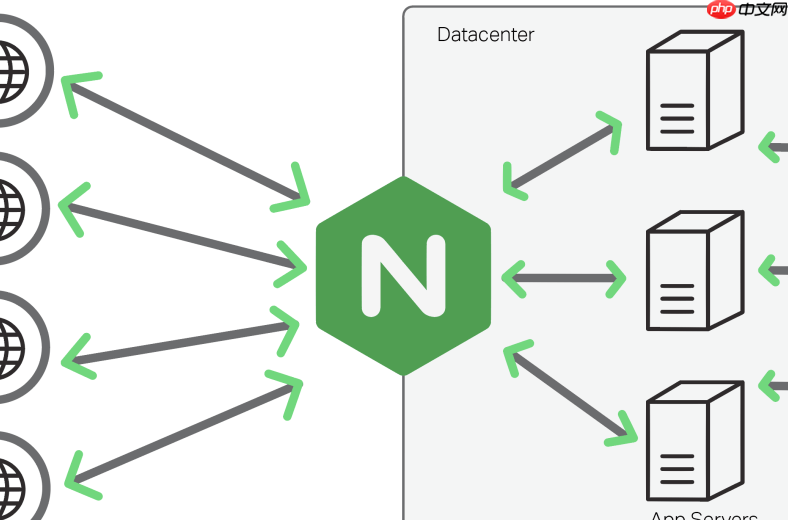
在 Nginx 的 location 块中加跨域头,是最常用、最安全的做法——它能把 CORS 策略精准控制到某类路径(比如只放行 /api/),避免给静态资源或根路径误加响应头。
直接在 location 块里写 add_header
这是最直观的方式。把 CORS 头加在你要开放跨域的路径块内,例如:
-
location ^~ /api/ {—— 使用^~表示前缀匹配且优先级高,适合 API 路径 - 每条
add_header后面加上always,确保即使返回 301/302 或错误码(如 404、500)也能带出 CORS 头 - 必须处理 OPTIONS 预检请求,否则浏览器会卡在预检环节
示例配置:
location ^~ /api/ {
    add_header 'Access-Control-Allow-Origin' 'https://your-frontend.com' always;
    add_header 'Access-Control-Allow-Methods' 'GET, POST, PUT, DELETE, OPTIONS' always;
    add_header 'Access-Control-Allow-Headers' 'Content-Type, Authorization, X-Requested-With' always;
    add_header 'Access-Control-Allow-Credentials' 'true' always;
    add_header 'Access-Control-Expose-Headers' 'Content-Length, Content-Range' always;

    if ($request_method = 'OPTIONS') {
        add_header 'Access-Control-Max-Age' 1728000;
        add_header 'Content-Type' 'text/plain; charset=UTF-8';
        add_header 'Content-Length' 0;
        return 204;
    }

    proxy_pass http://backend:8000;
}
注意 origin 不能和 credentials 冲突
如果前端要发带 Cookie 的请求(比如登录态),必须同时满足两个条件:

-
Access-Control-Allow-Origin不能写*,必须填具体协议+域名(如https://your-frontend.com) - 必须显式加
Access-Control-Allow-Credentials: true
漏掉任一,浏览器都会拒绝响应数据,控制台报错 “The value of the 'Access-Control-Allow-Origin' header in the response must not be the wildcard '*' when the request's credentials mode is 'include'”。
避免重复添加 header 导致 500 错误
Nginx 默认不允许同一响应中出现多个同名 header。如果你在 server 块和 location 块都写了 add_header Access-Control-Allow-Origin,重载后可能报错或返回 500。
- 推荐只在一个地方配 CORS 头:要么全在
location,要么用include引入统一的cors.conf - 检查是否已有后端服务(如 Node.js、Spring Boot)自己返回了 CORS 头,Nginx 和后端双写会导致冲突
调试小技巧
改完配置别急着重载,先验证语法:
- 运行
nginx -t确保配置无语法错误 - 用
curl -I -X OPTIONS http://your-domain/api/test检查响应头是否完整返回 - 打开浏览器开发者工具 → Network → 查看请求的 Response Headers,确认
Access-Control-Allow-Origin等字段存在且值正确











