


只需在 server 块中用 location = / 精确匹配根路径并配合 return 301 实现跳转,不干扰其他路径;等号确保仅匹配 /,不匹配子路径;return 后写死目标 URL,不加 $request_uri;其余路径由 location / 等正常处理,且 location = / 必须在 location / 之前。
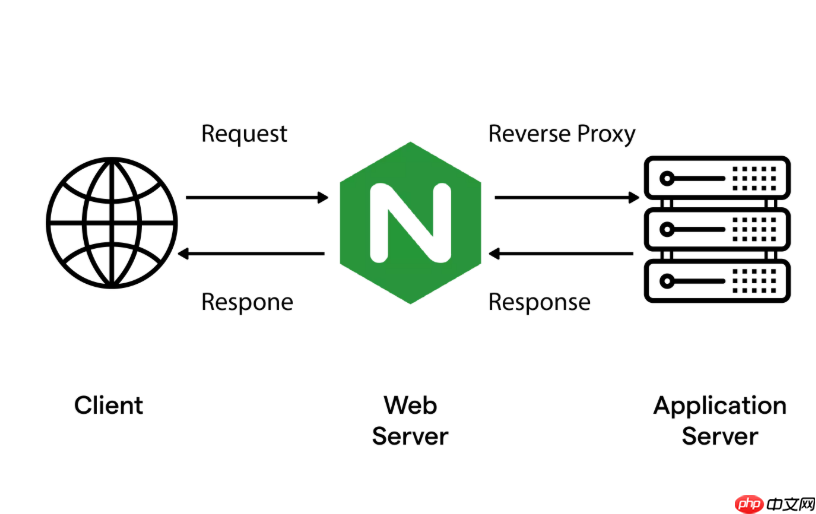
只需在对应站点的 server 块中,用 location = / 精确匹配根路径,并配合 return 301 指令即可实现——不干扰其他任何路径,语义清晰、性能高效。
精准匹配根路径(不是所有路径)
关键在于使用 location = /,等号表示严格、精确匹配,只作用于用户访问 https://example.com/ 或 http://example.com/ 这种“只有斜杠”的请求。它不会影响 /about、/zjyn/、/api/xxx 等任何子路径。
-
location = /✅ 只匹配/ -
location /❌ 匹配所有以/开头的路径(即全部请求) -
location ^~ /❌ 同样会覆盖全部路径,不适合此场景
写死重定向目标 URL
使用 return 301 直接跳转到你的欢迎频道页,例如:
return 301 https://channel.example.com/welcome;-
return 301 https://t.me/yourchannel;(支持任意合法 URL,包括 Telegram 频道链接) - 注意:不要加
$request_uri——根路径没有后续路径,拼接反而会导致https://channel.example.com/welcome/多余斜杠或参数错乱
保持其余路径正常响应
根路径之外的所有请求,应交由原有逻辑处理(静态文件、反向代理、PHP 等)。确保配置中另有通用 location / 或具体路径块来承接它们:

- 如果站点托管静态页面:
location / { root /var/www/html; index index.html; } - 如果是反向代理:
location / { proxy_pass http://backend; } - 务必让
location = /出现在通用location /之前——Nginx 按顺序匹配,精确匹配优先级最高
完整配置示例
假设域名是 example.com,欢迎频道页是 https://t.me/mywelcome:
server {
    listen 80;
    server_name example.com www.example.com;
<pre class="brush:php;toolbar:false;"># ✅ 仅根路径 301 跳转
location = / {
    return 301 https://t.me/mywelcome;
}

# ✅ 其他所有路径照常处理
location / {
    root /var/www/example;
    index index.html;
    try_files $uri $uri/ =404;
}
}
修改后执行 sudo nginx -t && sudo systemctl reload nginx 生效。










