


ngx_http_realip_module是Nginx官方内置模块,需在编译时用--with-http_realip_module显式启用,非默认编译进二进制;启用后通过set_real_ip_from、real_ip_header和real_ip_recursive指令配置信任代理及真实IP头字段。
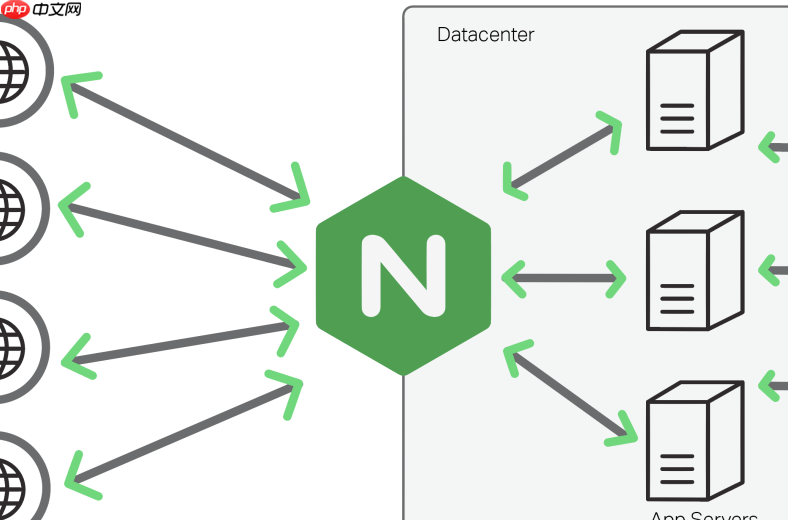
Nginx 源码编译时开启 realip 模块(即 ngx_http_realip_module)不需要额外下载或启用第三方模块,因为它属于 Nginx 官方内置模块,但默认**不自动编译进二进制文件**,需在 ./configure 阶段显式启用。
确认 realip 模块是否已内置
该模块从 Nginx 1.2.1 版本起就已集成在官方源码中(无需 --add-module),只要不是极老版本(如 1.0.x),源码里就有。检查方式:
- 进入解压后的 Nginx 源码目录,执行:
grep -r "realip" src/http/modules/,能看到ngx_http_realip_module.c - 运行
./configure --help | grep realip,会显示:--with-http_realip_module—— 这就是启用开关
编译时启用 realip 模块
在执行 ./configure 时,加上 --with-http_realip_module 参数即可。常见完整示例:
./configure \
  --prefix=/usr/local/nginx \
  --with-http_realip_module \
  --with-http_ssl_module \
  --with-http_v2_module \
  --with-http_gzip_static_module
⚠️ 注意:不要写成 --add-module=xxx,realip 不是第三方模块,加错会导致编译失败。
之后正常执行:make && make install

配置 nginx.conf 使用 realip
模块启用后,还需在配置中指定信任的代理 IP 和要覆盖的字段:
-
set_real_ip_from:声明可信的上游代理(如负载均衡器、CDN)IP 或网段 -
real_ip_header:指定从哪个 HTTP 头读取原始客户端 IP(常用X-Forwarded-For或X-Real-IP) -
real_ip_recursive:是否递归解析(推荐设为on,避免被伪造中间头干扰)
示例配置:
http {
    set_real_ip_from 10.0.0.0/8;     # 你的内网代理网段
    set_real_ip_from 192.168.0.0/16;
    real_ip_header X-Forwarded-For;
    real_ip_recursive on;
<pre class="brush:php;toolbar:false;">server {
    location / {
        # 此时 $remote_addr 就是真实客户端 IP
        log_format main '$remote_addr - $remote_user [$time_local] "$request" '
                         '$status $body_bytes_sent "$http_referer" '
                         '"$http_user_agent" "$http_x_forwarded_for"';
    }
}
}
验证是否生效
重启 Nginx 后,可通过以下方式验证:
- 用 curl 模拟带
X-Forwarded-For的请求:curl -H "X-Forwarded-For: 1.2.3.4" http://your-site/ - 查看 access.log,确认记录的 IP 是
1.2.3.4而非代理 IP - 在 Lua 或 PHP 中打印
$remote_addr(OpenResty)或$_SERVER['REMOTE_ADDR'],应为真实 IP
如果仍显示代理 IP,请检查 set_real_ip_from 是否包含当前请求来源的 IP,以及请求头是否被上游正确透传。













