


Nginx 应按路径或文件类型为静态资源分设限速策略:图片、CSS、JS、字体等需独立 zone,配合 burst、nodelay 及缓存头;用 map 豁免爬虫与 CDN;禁限 favicon.ico 和带版本号资源,并通过 $limit 日志验证。
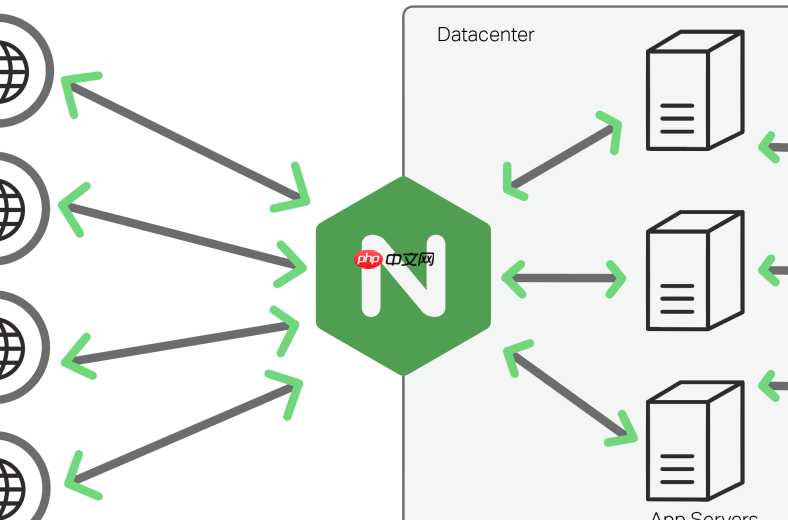
在 Nginx 中为不同静态资源(如图片、CSS、JS、字体等)分别设置访问频率限制,关键在于按路径或文件类型精准匹配,并避免误伤合法请求(比如浏览器预加载、CDN回源、搜索引擎爬虫)。不建议全站统一限速,而应分而治之。
按资源路径配置限速区域
适合目录结构清晰的站点,例如所有图片放在 /images/,前端资源放在 /static/:
- 在 http 块中定义独立限速区,用
$uri或$request_uri区分路径 - 示例:对图片目录每秒最多 20 次请求,允许突发 50 次
limit_req_zone $uri zone=images:10m rate=20r/s;
limit_req_zone $uri zone=static:10m rate=30r/s;
然后在对应 location 中启用:
location ^~ /images/ {
limit_req zone=images burst=50 nodelay;
expires 1y;
add_header Cache-Control "public, immutable";
}
location ^~ /static/ {
limit_req zone=static burst=80 nodelay;
expires 1y;
}
按文件后缀匹配限速
适用于资源混布但扩展名明确的场景(如 .jpg、.woff2):

- 用正则 location 精确匹配后缀,避免影响同目录下的动态接口
- 注意:正则匹配优先级低于
^~,且需加location ~*实现大小写不敏感
limit_req_zone $binary_remote_addr zone=img_per_ip:10m rate=15r/s;
location ~* \.(jpg|jpeg|png|gif|webp)$ {
limit_req zone=img_per_ip burst=30 nodelay;
expires 30d;
}
location ~* \.(woff2|ttf|eot|svg)$ {
limit_req zone=img_per_ip burst=10 nodelay;
expires 1y;
}
区分来源与合理放行
静态资源常被 CDN、搜索引擎或监控工具高频访问,需有选择地豁免:
- 用
map指令构造白名单键,例如对 Googlebot 和 Cloudflare IP 不限速 - 或在 location 内用
if判断 User-Agent,跳过限速(仅限简单判断,不推荐复杂逻辑)
map $http_user_agent $limit_key {
default $binary_remote_addr;
~*Googlebot "";
~*Baiduspider "";
}
limit_req_zone $limit_key zone=public_assets:10m rate=50r/s;
location ^~ /assets/ {
limit_req zone=public_assets burst=100;
}
避坑要点与验证建议
上线前必须注意:
- 不要对 /favicon.ico 或 /robots.txt 限速,它们会被频繁请求且无害
- 避免对带版本号的静态资源(如
/app.a1b2c3.js)过度限制,可能影响热更新体验 - 在 access_log 中加入
$limit变量,便于识别哪些请求被拒绝(如log_format main "... $limit";) - 先设宽松值(如 50r/s + burst=100),观察 24 小时日志再逐步收紧













