





核心是确认ngx_http_ssl_module是否被正确编译、是否存在第三方模块符号冲突及OpenSSL运行时版本不匹配;需通过nginx -V检查编译参数、ldd和objdump验证OpenSSL链接与符号一致性,并临时禁用第三方模块定位冲突源。
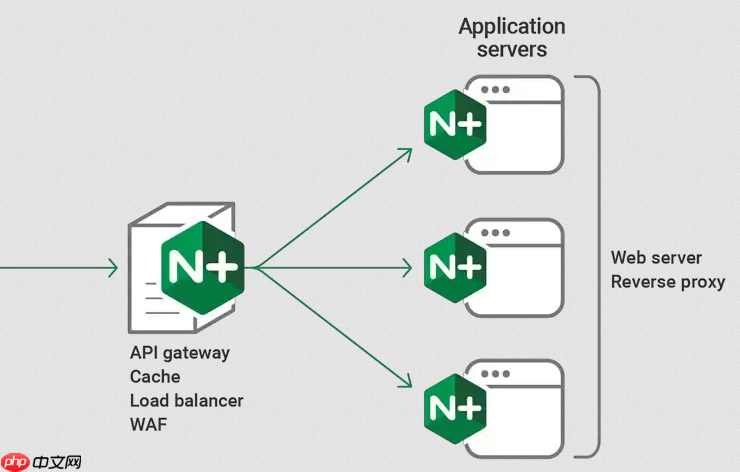
排查 Nginx SSL 模块加载时的资源冲突,核心是确认 ngx_http_ssl_module 是否被正确编译、是否与其他模块(尤其是第三方模块)存在符号重定义或内存布局冲突,并验证 OpenSSL 运行时环境是否匹配。
检查 Nginx 编译配置与模块状态
SSL 功能依赖于编译时启用 --with-http_ssl_module,且不能与禁用 OpenSSL 的选项共存。运行以下命令确认:
-
nginx -V 2>&1 | grep -i ssl—— 查看 configure 参数中是否含--with-http_ssl_module,同时排除--without-http_ssl_module或--with-openssl=指向异常路径 -
nginx -t -v或nginx -V中的built by和built with行,可确认实际链接的 OpenSSL 版本(如OpenSSL 1.1.1w)是否与系统动态库一致 - 若使用预编译包(如 Ubuntu 的
nginx-full),需确保未安装冲突的nginx-light或第三方模块包
识别第三方模块引发的符号冲突
部分第三方模块(如 nginx-rtmp-module、headers-more-nginx-module 旧版、或某些 TLS 加速模块)可能自行封装 OpenSSL 调用,导致与官方 SSL 模块共享全局符号(如 SSL_CTX_new、sk_SSL_CIPHER_num)时发生重定义。

- 临时移除所有
load_module指令,仅保留默认模块后重启,观察错误是否消失 - 逐个启用第三方模块并执行
nginx -t,配合strace -e trace=openat,open,openat64 nginx -t 2>&1 | grep -i ssl观察加载的 .so 文件路径 - 若报错含
undefined symbol: SSL_get0_alpn_selected或relocation error: symbol SSLv2_client_method version OPENSSL_1_1_0 not defined,说明模块与当前 OpenSSL ABI 不兼容
验证 OpenSSL 运行时兼容性
Nginx 动态链接的 OpenSSL 库版本必须与编译时一致,且系统中不能存在多版本混杂(如同时安装 libssl1.1 和 libssl3)。
- 运行
ldd $(which nginx) | grep ssl确认链接的是哪个libssl.so - 用
objdump -T /usr/lib/x86_64-linux-gnu/libssl.so.1.1 | grep SSL_get_version对比该库导出的符号,与报错中缺失的符号是否匹配 - 若使用自编译 OpenSSL,确保
LD_LIBRARY_PATH未意外覆盖系统路径;Nginx 启动脚本中避免设置不一致的LD_PRELOAD
分析错误日志中的关键线索
Nginx 在模块加载失败时通常不会直接提示“SSL 冲突”,而是表现为:nginx: [emerg] dlopen() "/path/to/module.so" failed ... undefined symbol 或启动卡在 nginx: [alert] detected a LuaJIT conflict, please check your Lua module configuration(即使没用 Lua,也可能是符号污染)。
- 开启详细日志:在
nginx.conf的main上下文中添加error_log /var/log/nginx/error.log debug;,然后nginx -t && nginx -s reload - 关注日志中
loading module、dlopen、RTLD_NOW、symbol lookup error等关键词 - 若出现
cannot allocate memory in static TLS block,大概率是多个模块静态链接了不同版本 OpenSSL,触发 glibc TLS 冲突











