




certbot renew 在 webroot 模式下常静默失败,因续期时不自动继承原验证路径,必须显式指定 --webroot -w;且未配置 deploy hook 时 Nginx 不重载新证书,验证目录权限与 Nginx root 路径不一致也会导致 404。
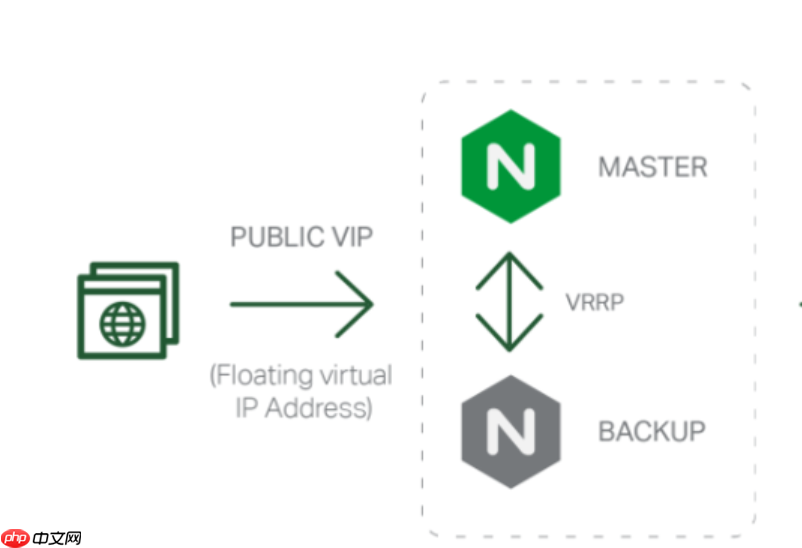
webroot 模式下,certbot renew 默认不自动触发 HTTP 验证路径重载,必须显式指定 --webroot 和 -w 参数,否则续期会失败。
为什么 certbot renew 在 webroot 模式下常静默失败
首次用 certbot certonly --webroot -w /var/www/certbot 申请证书时,Certbot 只记录了验证方式和路径,但不会把该路径写入证书配置元数据中。所以后续执行 certbot renew 时,它默认尝试复用上次的“验证插件”(比如 nginx 插件),而不会主动回退到 webroot —— 即使你当初就是用 webroot 申请的。
常见现象包括:
- 执行
certbot renew --dry-run报错Failed authorization procedure,但没提示具体原因 - Nginx 日志里看不到
/.well-known/acme-challenge/的任何访问记录 - 手动
curl -I http://example.com/.well-known/acme-challenge/test返回 404,说明验证路径未被正确响应
根本原因是:续期命令没带 --webroot -w,Certbot 就不知道该去哪放验证文件,更不会通知 Nginx 去读那个目录。
必须用 deploy hook 触发 nginx -s reload
webroot 模式本身不修改 Nginx 配置,只生成证书文件。所以即使证书成功更新,Nginx 仍用着旧的 fullchain.pem 和 privkey.pem,直到你手动重载或重启服务。
解决方法是加一个 deploy hook 脚本,在每次续期成功后自动重载:
- 创建脚本
/etc/letsencrypt/renewal-hooks/deploy/nginx-reload.sh - 内容只需一行:
nginx -s reload - 确保可执行:
chmod +x /etc/letsencrypt/renewal-hooks/deploy/nginx-reload.sh - 注意:不要用
systemctl reload nginx,避免在某些系统上因权限或 SELinux 导致失败
这个 hook 只在证书实际更新后触发,比定时 nginx -s reload 更精准、更安全。

多域名批量续期必须拆成独立命令组
不能把几十个不相关的域名(如 a.com、b.net、c.org)塞进同一个 certbot renew 命令里 —— Certbot 不支持跨域证书混续,且任一域名验证失败会导致整批中断。
推荐做法是按业务或租户分组,每组用单独的 certbot 命令:
- 例如
site1.com和它的子域www.site1.com、api.site1.com可合并为一条命令续期 - 但
site2.com必须另起一行执行,避免相互影响 - 脚本中应检查每次命令的退出码:
if [ $? -ne 0 ]; then echo "Renew failed for site1.com" | mail -s "Certbot alert" admin@example.com; fi
这样既保留批量效率,又保证故障隔离和可追溯性。
验证目录权限和 Nginx root 路径必须严格一致
这是最常被忽略的细节:Nginx 的 location ^~ /.well-known/acme-challenge/ 中写的 root 值,必须和 certbot 命令里的 -w 参数完全一致,且该目录对 nginx 用户(不是 root)可读。
典型错误包括:
-
-w /var/www/certbot但 Nginx 配置里写的是root /var/www/letsencrypt - 目录存在,但
chown没设对,比如设成了www-data:www-data而 Nginx 运行用户是nginx - SELinux 启用时没打标签:
semanage fcontext -a -t httpd_sys_content_t "/var/www/certbot(/.*)?"然后restorecon -Rv /var/www/certbot
只要路径或权限差一点,/.well-known/acme-challenge/xxx 就会返回 404,而 Certbot 日志里往往只显示 “Connection refused” 或 “Timeout”,误导你去查网络。













