


Nginx 不直接运行 Python 应用,需通过反向代理(如 Uvicorn)配合;macOS 上推荐用 Homebrew 安装 Nginx 和 Python,创建虚拟环境,配置 proxy_pass 到本地端口(如 8000),并可选配静态文件服务与 mkcert HTTPS。
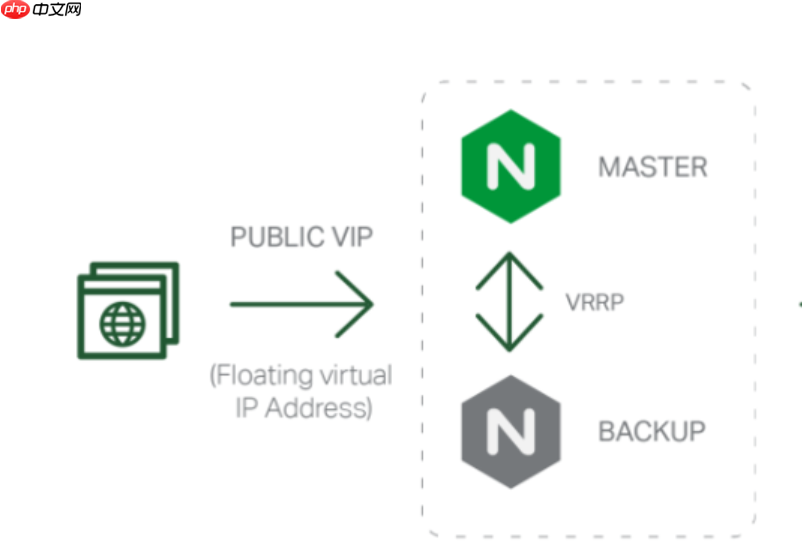
Nginx 本身不直接运行 Python 应用,它需要通过反向代理(如转发到 Gunicorn、uWSGI 或 FastAPI/Uvicorn 的 HTTP 服务)来支持 Python 环境。在 macOS 上,正确安装和配置的关键是:Nginx 做静态文件服务和反向代理,Python Web 框架(如 Flask/FastAPI)运行在独立进程,两者通过 Unix socket 或 localhost 端口通信。
安装 Nginx 和 Python 运行环境
推荐使用 Homebrew 统一管理:
- 确保已安装 Homebrew:
/bin/bash -c "$(curl -fsSL https://raw.githubusercontent.com/Homebrew/install/HEAD/install.sh)" - 安装 Nginx:
brew install nginx(默认监听localhost:8080) - 安装 Python(若未安装):
brew install python(会同时装 pip 和 venv) - 为项目创建隔离环境:
python -m venv ./venv && source ./venv/bin/activate
运行 Python Web 应用(以 FastAPI 为例)
安装依赖并启动一个最小服务:
pip install fastapi uvicorn- 新建
main.py:
from fastapi import FastAPI<br>app = FastAPI()<br>@app.get("/")<br>def read_root():<br> return {"message": "Hello from Python behind Nginx"}
- 启动服务(监听本地端口,不暴露公网):
uvicorn main:app --host 127.0.0.1 --port 8000 --reload
配置 Nginx 反向代理
编辑 Nginx 配置文件:brew --prefix nginx 查路径,通常为 /opt/homebrew/etc/nginx/nginx.conf(Apple Silicon)或 /usr/local/etc/nginx/nginx.conf(Intel)。在 http { ... } 块内添加 server 块:

立即学习“Python免费学习笔记(深入)”;
server {<br> listen 80;<br> server_name localhost;<br><br> location / {<br> proxy_pass http://127.0.0.1:8000;<br> proxy_set_header Host $host;<br> proxy_set_header X-Real-IP $remote_addr;<br> proxy_set_header X-Forwarded-For $proxy_add_x_forwarded_for;<br> }<br>}
保存后测试并重载配置:
-
nginx -t(检查语法) -
sudo nginx -s reload(需 sudo,因监听 80 端口) - 若不想用 sudo,可改
listen 8080,然后访问http://localhost:8080
处理静态文件与 HTTPS(可选进阶)
若 Python 应用需托管静态资源(如 CSS/JS),建议由 Nginx 直接服务,提升性能:
- 在 server 块中添加:
location /static { alias /path/to/your/static/; } - HTTPS 需要证书;开发阶段可用 mkcert 生成本地可信证书:
brew install mkcert nss→mkcert -install→mkcert localhost,再在 Nginx server 块中启用 ssl 并指向生成的localhost.pem和localhost-key.pem
















