


Nginx开机自启需按操作系统区分配置:Ubuntu/Debian和CentOS/RHEL 7+用systemd执行enable命令;CentOS 6/RHEL 6用chkconfig;macOS通过launchd的plist文件设置RunAtLoad为true。
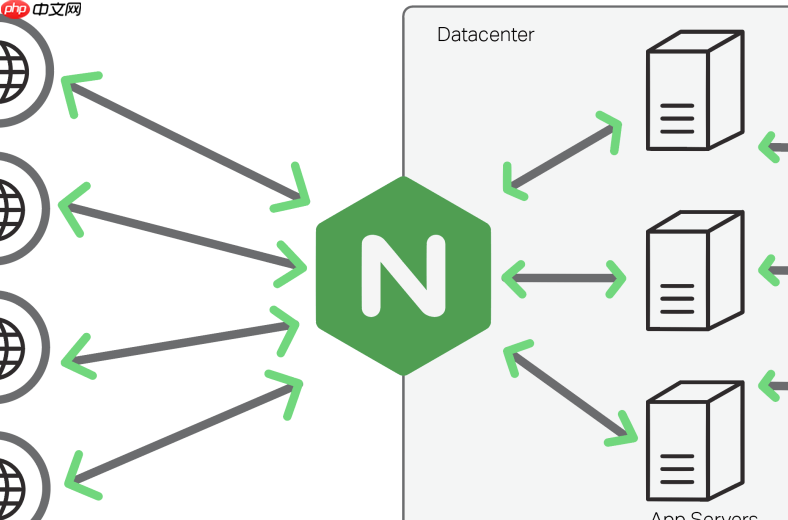
在生产环境中,Nginx 服务必须随系统启动自动运行,否则服务器重启后网站或 API 就会不可用。不同操作系统启用自启的方式差异较大,不能一概而论。下面按主流发行版分类说明可靠、可验证的配置方法。
Ubuntu/Debian(使用 systemd)
现代 Debian 系列默认使用 systemd,Nginx 安装后通常已自带 service 文件。只需启用即可:
- 确认 Nginx 已安装且能手动启动:sudo nginx -t && sudo systemctl start nginx
- 启用开机自启:sudo systemctl enable nginx
- 验证状态:systemctl is-enabled nginx(应输出 enabled)
- 如需修改启动行为(例如等待网络就绪),可编辑 /etc/systemd/system/nginx.service.d/override.conf,添加 After=network-online.target 并执行 sudo systemctl daemon-reload
CentOS/RHEL 7+(systemd)
与 Ubuntu 类似,但需注意:若通过官网 RPM 或源码编译安装,可能未自动注册 service 文件。
- 检查是否存在标准 service 文件:ls /usr/lib/systemd/system/nginx.service
- 若不存在,需手动创建 /etc/systemd/system/nginx.service,内容包含 [Unit]、[Service] 和 [Install] 三段,指定 Type=forking(因 Nginx 默认以守护进程方式运行)及正确的 PIDFile
- 重载配置:sudo systemctl daemon-reload
- 启用并启动:sudo systemctl enable --now nginx
CentOS 6 / RHEL 6(SysV init)
这些老版本仍用 /etc/init.d/ 脚本机制,需确保脚本存在且有执行权限。
- 检查 init 脚本:ls /etc/init.d/nginx;若无,可从 Nginx 源码的 contrib/init.d 目录复制,并修改 NGINX_CONF_FILE 和 NGINX_PID_FILE 路径
- 赋予可执行权限:sudo chmod +x /etc/init.d/nginx
- 添加到启动项:sudo chkconfig --add nginx && sudo chkconfig nginx on
- 验证:sudo chkconfig --list nginx,输出中各运行级别应显示 on
macOS(使用 launchd)
macOS 不用 systemd,而是通过 plist 文件交由 launchd 管理。
- 创建配置文件:/Library/LaunchDaemons/homebrew.nginx.plist(Homebrew 安装)或自定义路径
- plist 中需设置 RunAtLoad 为 true,KeepAlive 可选设为 true 实现崩溃后自动拉起
- 加载配置:sudo launchctl load /Library/LaunchDaemons/homebrew.nginx.plist
- 立即启动并设为开机运行:sudo launchctl start homebrew.nginx











