




Nginx需为CSS等静态资源统一配置CORS响应头,通过location匹配文件类型并添加Access-Control-Allow-Origin等头;生产环境应避免使用通配符*,推荐动态反射可信域名,并正确处理OPTIONS预检请求。
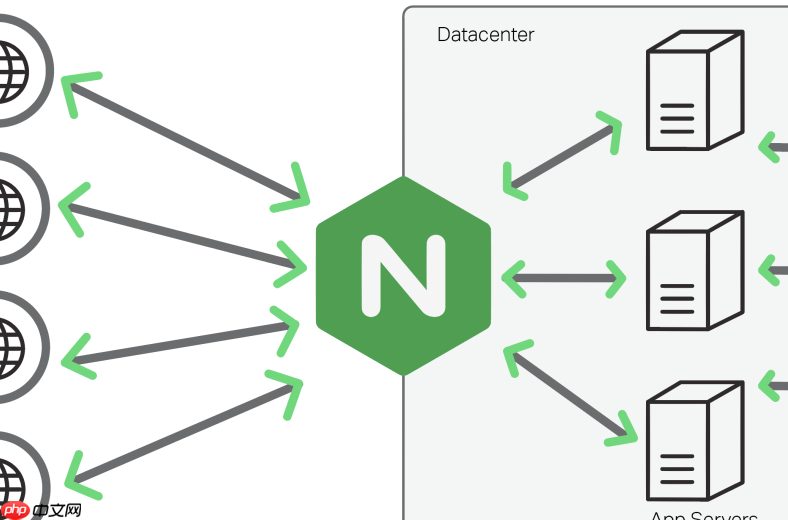
要让 Nginx 正确为 CSS 文件(以及其他静态资源)配置跨域资源共享(CORS)响应头,关键不是单独“针对 CSS”,而是对匹配的静态资源路径统一设置 Access-Control-Allow-Origin 等头信息。CSS 本身不发起跨域请求,但页面加载 CSS 时若该 CSS 位于不同源(协议、域名、端口任一不同),浏览器会检查其响应头是否允许跨域加载——此时需服务端返回合法的 CORS 头。
明确哪些请求需要加 CORS 头
CSS 文件属于“简单请求”中的资源加载(GET 请求),只要满足以下任一条件,就需在响应中包含 Access-Control-Allow-Origin:
- HTML 页面由 A 域名加载,引用了 B 域名下的
.css文件; - 前端应用部署在
https://app.example.com,但 CSS 托管在https://cdn.example.com; - 开发环境使用本地
http://localhost:3000访问后端 API 或静态资源服务(如 Nginx 本地托管 CSS),而资源服务未启用 CORS。
在 Nginx 中配置 CSS 等静态资源的 CORS 响应头
推荐在 location 块中按文件类型或路径匹配静态资源,并添加标准 CORS 头。例如:
(放在 server 或 location 块内)
立即学习“前端免费学习笔记(深入)”;
location ~* \.(css|js|png|jpg|jpeg|gif|ico|svg|woff2?|ttf|eot)$ {
    add_header 'Access-Control-Allow-Origin' '*';
    add_header 'Access-Control-Allow-Methods' 'GET, OPTIONS';
    add_header 'Access-Control-Allow-Headers' 'DNT,User-Agent,X-Requested-With,If-Modified-Since,Cache-Control,Content-Type,Range';
    add_header 'Access-Control-Expose-Headers' 'Content-Length,Content-Range';
    add_header 'Access-Control-Max-Age' 86400;
<pre class="brush:php;toolbar:false;"># 处理预检请求(OPTIONS)
if ($request_method = 'OPTIONS') {
    add_header 'Access-Control-Allow-Origin' '*';
    add_header 'Access-Control-Allow-Methods' 'GET, OPTIONS';
    add_header 'Access-Control-Allow-Headers' 'DNT,User-Agent,X-Requested-With,If-Modified-Since,Cache-Control,Content-Type,Range';
    add_header 'Access-Control-Max-Age' 86400;
    add_header 'Content-Type' 'text/plain; charset=utf-8';
    add_header 'Content-Length' 0;
    return 204;
}
}
注意:生产环境慎用 '*',尤其当需携带凭据(如 cookies)时,必须指定具体域名且不能为通配符;此时应改用 $http_origin 动态反射(需额外判断)。
只对特定域名开放 CORS(更安全的做法)
若只允许 https://myapp.com 加载你的 CSS,可动态设置 Origin:
map $http_origin $cors_origin {
    default "";
    "~^https?://(myapp\.com|staging\.myapp\.com)$" "$http_origin";
}
<p>server {</p><h1>... 其他配置</h1><pre class="brush:php;toolbar:false;">location ~* \.(css|js|font)$ {
    add_header 'Access-Control-Allow-Origin' $cors_origin;
    add_header 'Access-Control-Allow-Credentials' 'true';
    add_header 'Access-Control-Allow-Methods' 'GET, OPTIONS';
    add_header 'Access-Control-Allow-Headers' 'DNT,User-Agent,X-Requested-With,If-Modified-Since,Cache-Control,Content-Type,Range';

    if ($request_method = 'OPTIONS') {
        add_header 'Access-Control-Allow-Origin' $cors_origin;
        add_header 'Access-Control-Allow-Credentials' 'true';
        add_header 'Access-Control-Allow-Methods' 'GET, OPTIONS';
        add_header 'Access-Control-Allow-Headers' 'DNT,User-Agent,X-Requested-With,If-Modified-Since,Cache-Control,Content-Type,Range';
        add_header 'Access-Control-Max-Age' 86400;
        add_header 'Content-Length' 0;
        return 204;
    }
}
}
验证是否生效
重启 Nginx 后,用 curl 或浏览器开发者工具检查 CSS 响应头:
curl -I https://your-domain.com/style.css
确认输出中包含类似:
Access-Control-Allow-Origin: *
Access-Control-Allow-Methods: GET, OPTIONS
若仍报跨域错误,请检查:
- Nginx 配置是否已重载(
nginx -s reload); - 浏览器缓存是否干扰(尝试无痕模式或禁用缓存);
- 是否有其他中间件(CDN、反向代理)覆盖或删除了 CORS 头;
- 是否遗漏了
OPTIONS预检处理(尤其在带自定义 header 时)。














